IPTV Smarters Pro Subscription Guide
IPTV Smarters Pro is a player application. It does not, by itself, provide an IPTV subscription, channels or account access.
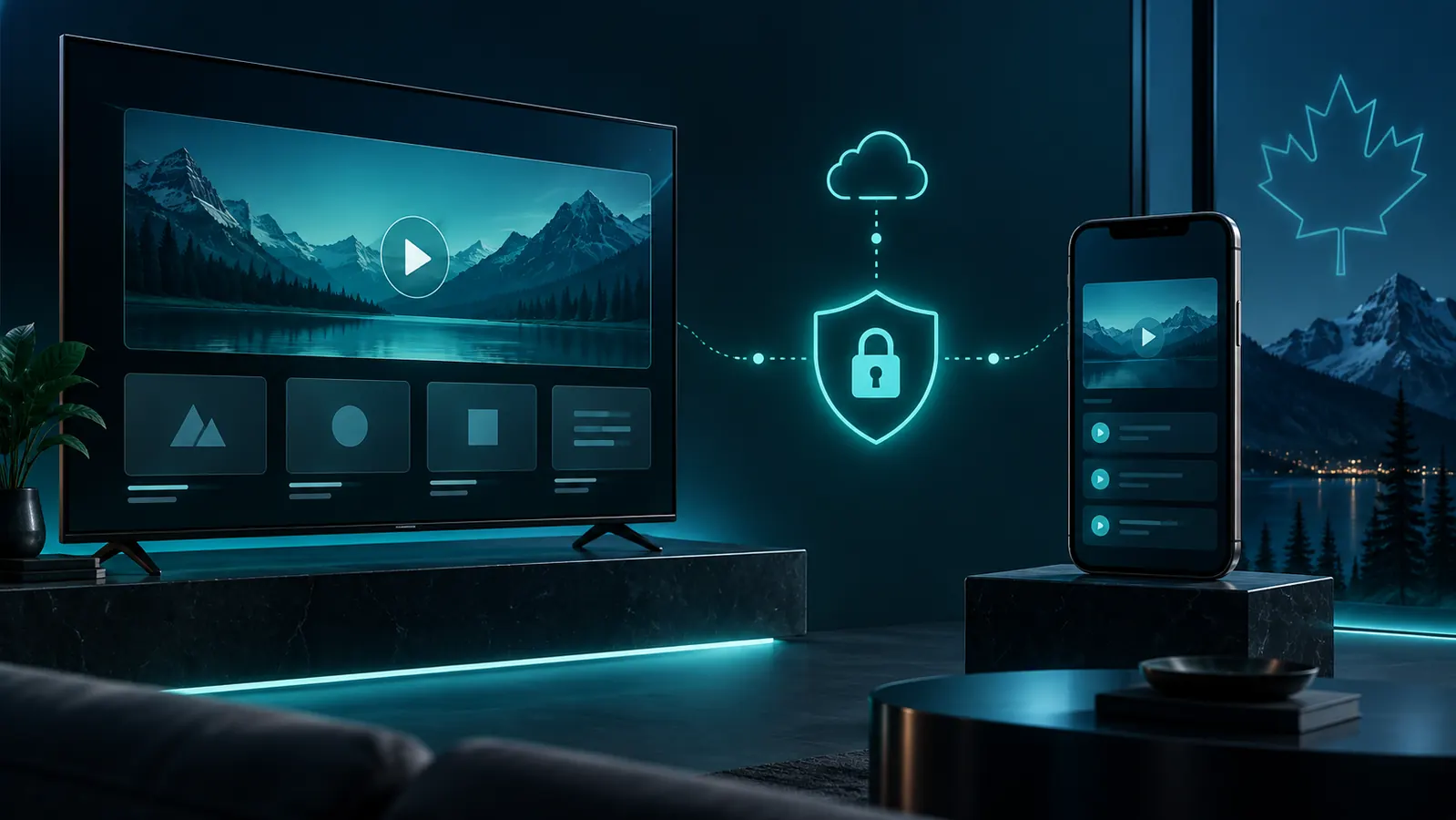
Player and subscription are two separate pieces
A compatible IPTV subscription supplies account or playlist information. A player such as IPTV Smarters Pro provides an interface that can use supported information on a compatible device. Availability and features of the third-party app can vary by platform and version.
The player
Installed separately on a supported device. Its interface, app availability and licensing are controlled by its developer or app store.
The subscription
Provides the service credentials or configuration information required after an order is processed. It is not an app purchase.
Your device and network
The device must support the chosen player, and stable local internet is needed. Older hardware or weak Wi-Fi can affect playback.
What setup usually involves
Install a compatible player
Obtain the app only through a source you trust and verify that your device supports the current version.
Choose a subscription plan
Select a Standard or Premium plan, duration and the number of simultaneous connections you need.
Receive account information
After the approved payment and order process, use the provided account information at a high level as directed. Never publish credentials.
Test your own environment
Check playback on your network and device. Player settings, hardware performance and Wi-Fi conditions remain separate from the subscription.
Choosing a plan for IPTV Smarters
When people search for an IPTV Smarters Pro subscription, they are usually combining two separate decisions: the player and the service plan. Start with your preferred term and simultaneous connection count. A Standard 3 Month plan offers a defined mid-length option, while Premium 3 Month is the corresponding Premium choice.
If you are comparing players, see the separate TiviMate guide or the broader Android IPTV guide.
Have these ready
- A supported television, box, phone or tablet.
- The player installed from a trusted source.
- Your selected subscription term.
- The right simultaneous connection count.
- A reliable home network.
Common questions
Does IPTV Smarters Pro include a subscription?
No. It is a player application; a compatible subscription is obtained separately.
Do you own or operate IPTV Smarters Pro?
No. We are not affiliated with or endorsed by the app developer.
Will the app work on every device?
No. App availability and feature support vary by device, operating system, store and app version.
Continue your research
Choose the service separately from the player
An IPTV Smarters Pro subscription is not purchased from the player itself. Confirm your device first, then select the separate plan term and connection count that fits your household.
Using more than one device?
Configured devices and simultaneous streams are different. Read the multiple-device and connection guide.
Check the complete Smarters setup before ordering
An IPTV Smarters Pro subscription setup involves three independent parts: a supported device, the third-party player and separate service credentials. Confirm that the current app version is available for the device and that you are comfortable entering account information after activation.
Plan for household use
Count simultaneous viewers rather than every configured device. Review the multiple-device guide before selecting connections. App updates, device storage and network quality remain separate from the subscription term and can affect playback even when account access is active.
Record the setup details
Before activation, note the device model, operating-system version and player source. This information makes later support questions clearer and helps distinguish a service-account issue from an application or device problem. Never include passwords or full credentials in a public screenshot.
IPTV Smarters Pro subscription setup check
An IPTV Smarters Pro subscription setup still requires a separate service account, compatible device and the independently installed player. Confirm current app availability through the official IPTV Smarters website. An IPTV Smarters Pro subscription does not include ownership of or affiliation with that third-party application.