IPTV Subscription for Android Devices
Android phones, tablets, televisions and boxes can offer flexible player choices, but compatibility depends on the exact device, operating-system version and app.
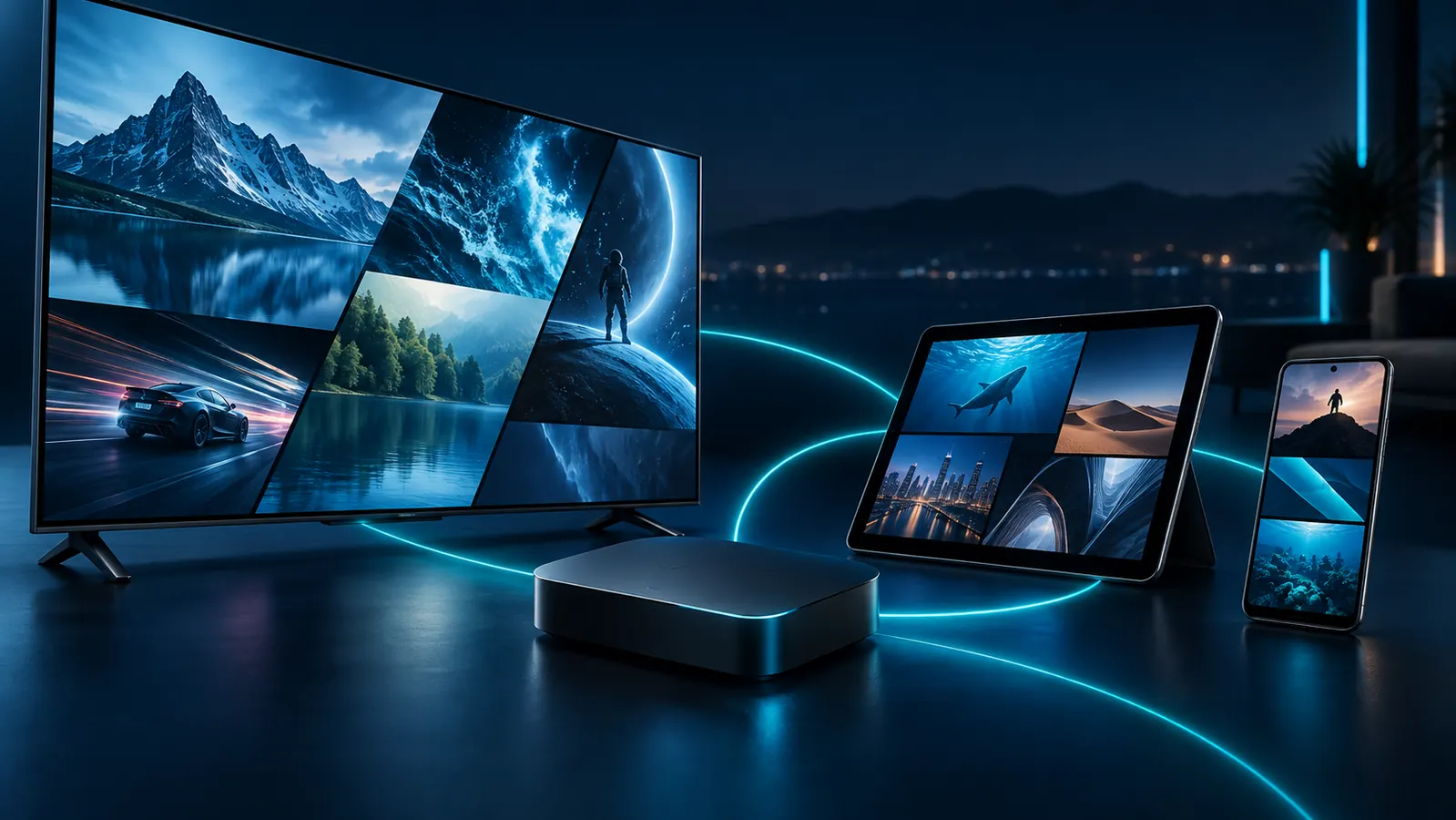
Android is an ecosystem, not one device
An Android phone and an Android TV box may use different app stores, controls and screen layouts. Confirm that the player is designed for your device category and that the hardware has enough resources for stable playback.
Android TV or box
Remote-friendly players usually suit televisions better. Device model, storage and OS version matter.
Phone or tablet
Touch-based apps may work well for personal viewing. Screen casting introduces another device and network step.
Subscription access
The subscription remains separate from the player and hardware, with duration and concurrent streams chosen at order time.
Build a sensible Android setup
Identify the device category
Determine whether you have Android TV, Google TV, a generic Android box, phone or tablet.
Select a suitable player
Compare a general option such as IPTV Smarters Pro with a television-focused option such as TiviMate.
Check controls and resources
A remote-friendly layout, adequate storage and current software improve usability.
Choose the subscription
Use Plans & Pricing to select tier, term and simultaneous connections.
Plan selection across Android devices
You can configure compatible access on more than one device, but the purchased connection count controls simultaneous streams. If two household members may watch at once, evaluate a two-connection price rather than assuming each installed app needs its own subscription.
For a compact HDMI device, see the separate Firestick guide. For dedicated hardware, read about an IPTV box subscription.
Android checklist
- Exact model and Android version.
- Trusted source for a compatible player.
- Remote or touch control as appropriate.
- Enough free storage and current updates.
- Stable Wi-Fi or Ethernet where supported.
Common questions
Is an Android app the subscription?
No. The app is a player; service access is obtained separately.
Will the same app work on phone and Android TV?
Not always. Some apps have separate mobile and television versions or different feature support.
Can I install on several Android devices?
Installation and simultaneous use are different. Simultaneous streams must remain within the connection count purchased.
Continue your research
Match the player to the Android device
Verify the device category and player, then select the subscription term and connection count.
Using more than one device?
Configured devices and simultaneous streams are different. Read the multiple-device and connection guide.
Choose an IPTV subscription for Android hardware
Android televisions, boxes, phones and tablets differ in processors, memory, app-store access and updates. Identify the exact model rather than assuming every Android device offers the same compatibility.
Television and mobile priorities differ
A television benefits from remote-friendly navigation, while phones and tablets emphasize touch controls. Confirm that the player suits the screen and input method, obtain it through a trusted source and keep account details private.
Plan simultaneous use
Several devices can be configured, but connections refer to streams running together. Use the multiple-device guide before choosing a connection count.
Account for manufacturer differences
An Android label does not guarantee identical menus or update schedules. Television manufacturers and box vendors can customize the platform, restrict background activity or stop updates at different times. Confirm the exact model and available player version.
Protect account information
Enter credentials only into the intended compatible player. Avoid publishing login screens, playlists or activation messages when requesting help.
Google Play’s official multi-device installation guidance can help confirm whether an application is offered for a particular Android device. Store availability does not itself confirm service compatibility.
IPTV subscription for Android setup check
An IPTV subscription for Android requires a compatible player from a trusted source and enough device capacity for reliable use. Review Google’s official installation guidance before configuring another screen. An IPTV subscription for Android remains separate from the operating system, player licensing and device warranty.