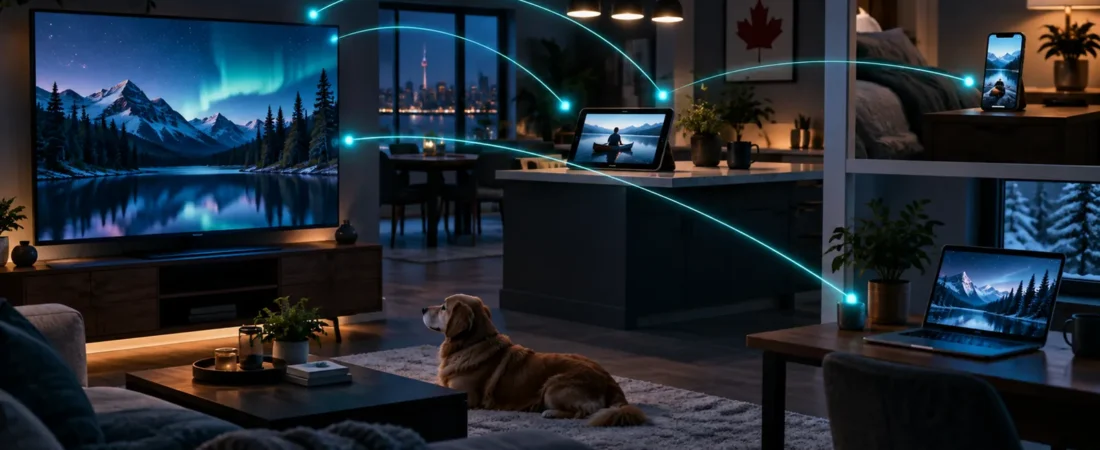
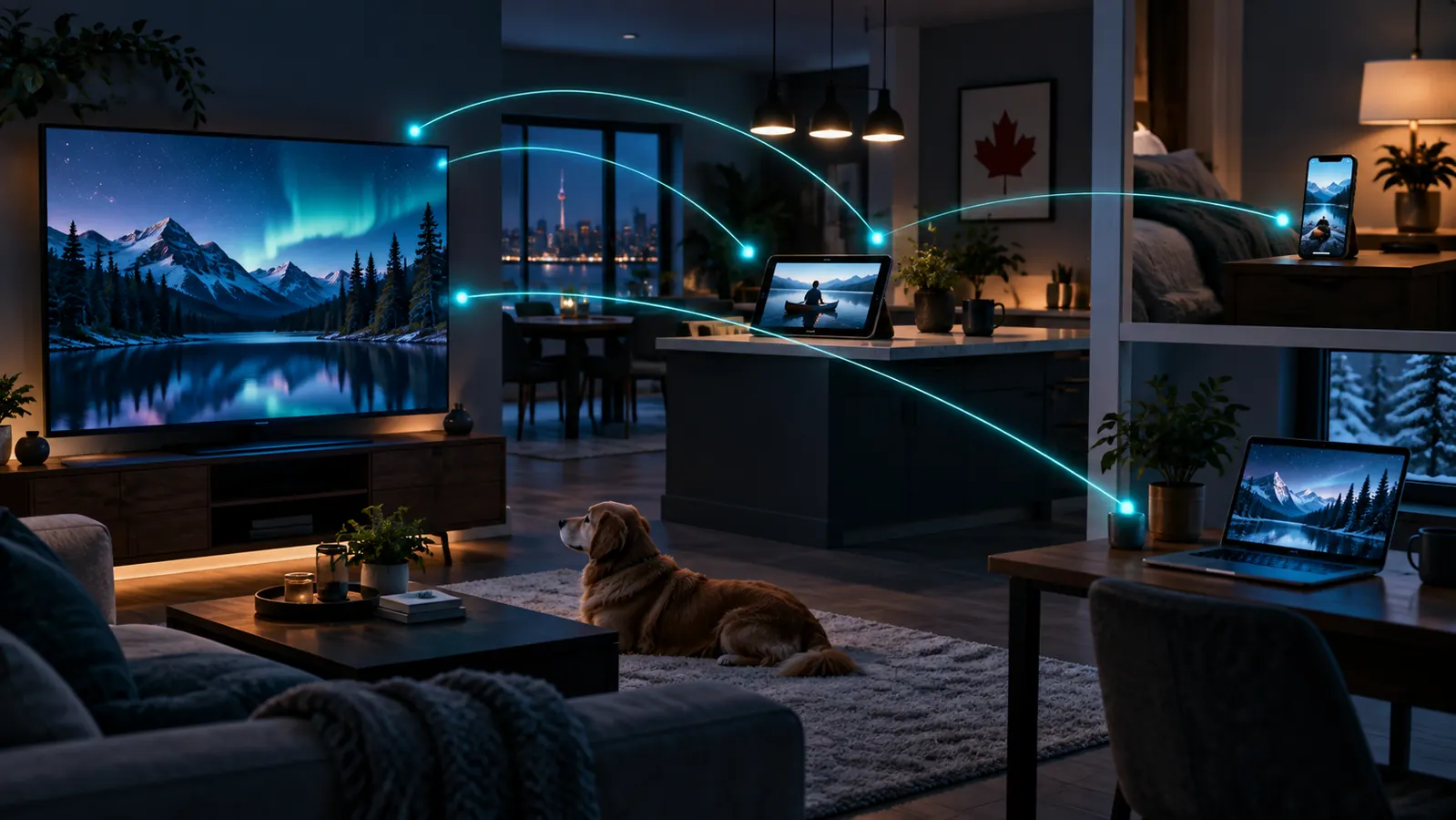
Devices and connections are different
Compatibility asks whether a player and service method work on a device. Connections determine how many streams may play at once. A television, phone and tablet may need one connection when used one at a time, but two viewers watching together need two.
Approved 1–5 connection model
- 1: base price.
- 2: +60%.
- 3: +120%.
- 4: +180%.
- 5: +240%.
The product page recalculates the CAD total. Review it before checkout.
Household examples
Switching screens
One person stops on the television and later continues on a tablet: one active stream.
Two viewers
Television and phone playing together: two active streams.
Larger household
Count the highest likely concurrent use, not every device in the home.
Switching device types
Setup differs across Firestick, Android, Roku, Kodi and boxes. Switching hardware does not remove the connection limit.
Choose plan and connections together
Select tier and duration on Plans, then choose connections. The selector applies to products such as Standard 6 Months and Premium 6 Months. Review the FAQ if concurrent use is unclear.
Common questions
One connection per device?
No. It means one active stream at a time.
Can I switch devices?
Yes, conceptually, if only one stream is active and both devices are compatible.
How are extras priced?
Two through five connections add 60%, 120%, 180% and 240%.
Price the use you need
Choose duration first, then calculate the appropriate simultaneous connection count.
Plan simultaneous viewing before checkout
An IPTV subscription on multiple devices works best when the connection count reflects how many streams may run at the same time. Installing a compatible player on several devices does not automatically permit simultaneous playback on all of them.
Before using an IPTV subscription on multiple devices, list the televisions, boxes, phones, and tablets in the household, then estimate the highest number likely to be active together. Choose the matching connection option during purchase.
For an IPTV subscription on multiple devices, device compatibility and connection allowance are separate checks. Each device still needs a suitable player and stable network access, even when the plan supports concurrent streams. For Android devices, Google provides official guidance for installing apps on another device.
If the household’s needs change, review the available plan and connection choices before the next order. This keeps an IPTV subscription on multiple devices aligned with actual viewing habits without paying for unused capacity.
IPTV subscription on multiple devices: compatibility check
Confirm the player separately on each intended screen before increasing the simultaneous connection count. Android users can consult Google’s official multi-device app installation guidance.