IPTV Subscription for TiviMate
TiviMate is a third-party IPTV player, not a subscription provider. A separate compatible service is required before the player can display account content.
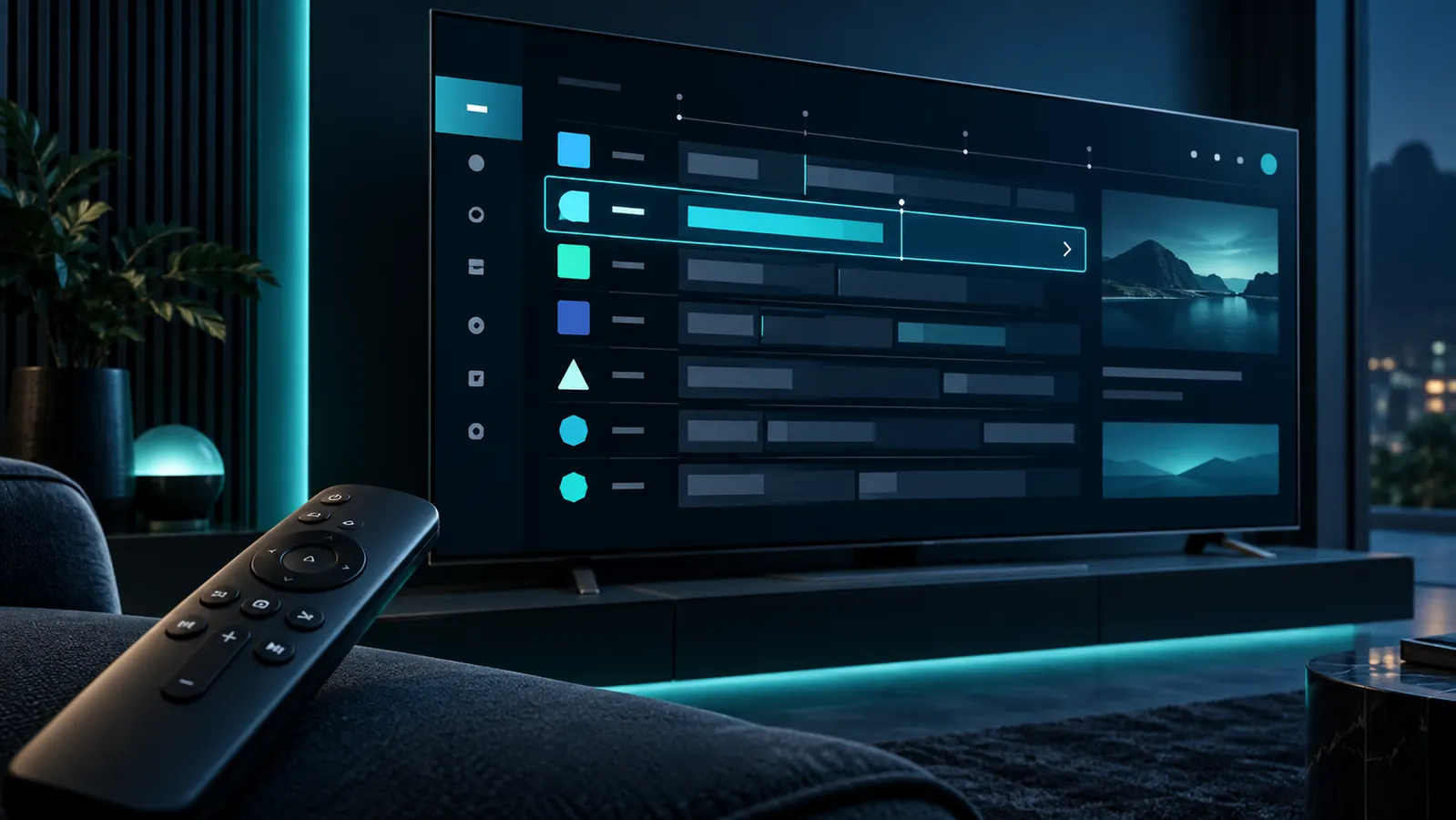
What the player does—and does not do
A television-focused player can organize compatible service information and provide viewing controls. The player developer controls its interface, editions and supported platforms; the subscription provider supplies separate account information.
Player experience
The application can provide guide and playback controls depending on its edition and current version.
Service information
A compatible subscription provides the account details used by the player. The app alone does not supply streams.
Television-oriented hardware
TiviMate is commonly considered for compatible TV devices. Confirm platform availability before ordering.
Use TiviMate with a separate subscription
Confirm device support
Verify that the player is currently supported on your exact television device and software version.
Install through a trusted source
App licensing or premium player features, if any, are separate from the IPTV subscription.
Choose your service plan
Select a term and concurrent connection count on the plans page.
Add account information carefully
Use the supplied information privately and follow the player’s current instructions at a high level.
A plan is not tied to the player edition
Select Standard or Premium based on the commercial details shown on this site, not on whether the player itself uses a free or paid edition. One-, three-, six- and twelve-month terms are available.
For another player approach, see IPTV Smarters Pro. For device-level help, review the Android IPTV guide.
Before you begin
- Compatible television device.
- Current player version from a trusted source.
- Remote-friendly controls.
- Sufficient device storage.
- Correct subscription credentials after activation.
Common questions
Does TiviMate sell or include the subscription?
No. The player and subscription are separate products from separate parties.
Is a paid TiviMate feature included in my plan?
No. Any player purchase or feature is handled separately through the player’s authorized channel.
Can I use the subscription in another player?
Compatibility depends on the other player, device and supported account method.
Continue your research
Treat player and service as separate choices
Confirm TiviMate support on your device, then select a plan that fits your term and viewing needs.
Using more than one device?
Configured devices and simultaneous streams are different. Read the multiple-device and connection guide.
Prepare an IPTV subscription for TiviMate
TiviMate provides a television-style player experience while subscription access comes from a separate service. Verify that the intended device supports the current player and available login method.
Keep player and service payments separate
Player purchases and premium features are handled by the developer or app store; they do not replace a service plan. Choosing a service tier also does not unlock third-party application features.
Maintain a stable setup
Use adequate storage, current software and reliable Wi-Fi or Ethernet. Count simultaneous screens before choosing connections and compare the separate Smarters guide.
Organize without exposing credentials
Player features may help arrange groups, favourites or programme information, but those interface tools remain separate from the service. Back up only through trusted methods and avoid sharing screenshots that display server addresses, usernames or passwords.
Review device performance
If navigation becomes slow, check free storage, background applications and system updates before assuming the account is responsible.
Before a longer order, test remote navigation, channel-list loading and normal device restarts. A repeatable setup is more valuable than relying on one successful session that cannot be reproduced after an update.
IPTV subscription for TiviMate player check
An IPTV subscription for TiviMate supplies separate service credentials; TiviMate remains a third-party player. Check current player information through the official TiviMate website. An IPTV subscription for TiviMate does not include player ownership, affiliation or a premium app licence.