IPTV Subscription for Firestick: What to Know
A Fire TV Stick is playback hardware, not an IPTV subscription. You need a compatible player, a separate subscription and a network that can support streaming.
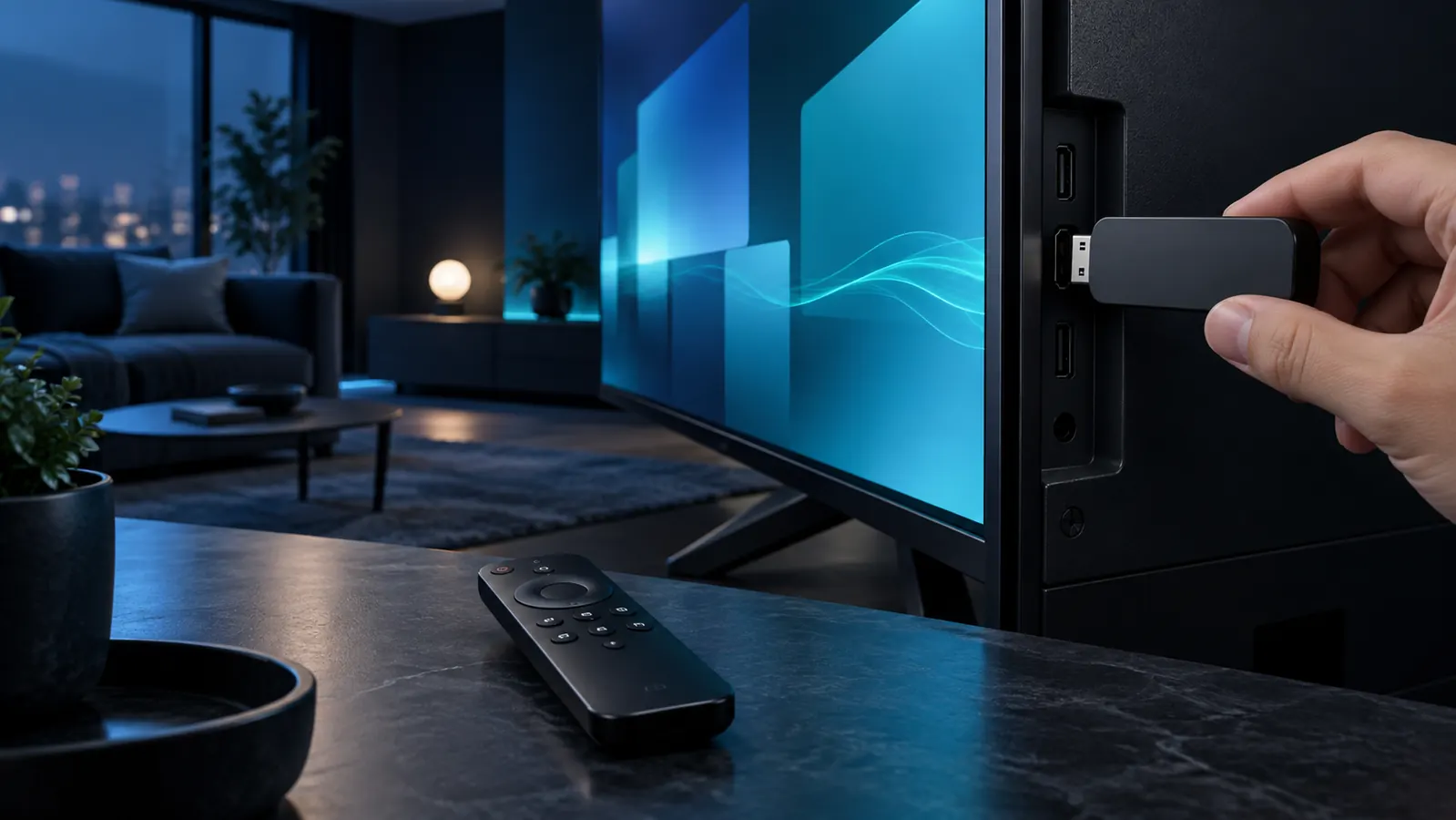
Three parts of a working setup
The streaming stick connects to the television, a compatible player handles the service information, and the subscription supplies account access. Availability of third-party apps and installation methods can change by device generation, region and software version.
Streaming device
Confirm available storage, software version and television connection. Older hardware may behave differently from current models.
Compatible player
Choose a trusted player supported on your device. The player does not automatically include service access.
Subscription and connections
Pick duration and simultaneous connections separately on the plans page.
High-level setup path
Prepare the television and stick
Connect the device, update its software and confirm stable internet access.
Choose a compatible player
App availability may vary. Follow the current instructions from the app or device source you trust.
Select a plan
Compare the eight options on Plans & Pricing, including duration and simultaneous connections.
Use the supplied information
After order processing, enter the relevant account details only in the compatible player you chose.
Which plan fits a streaming stick?
The hardware does not require a specific duration. Choose based on your preferred commitment, tier and concurrent viewing needs. For example, compare Standard 6 Month with Premium 6 Month.
For player context, read the IPTV Smarters Pro guide. If you use other Android-based equipment, see the Android guide.
Device limitations
- App availability can change.
- Low storage can affect app operation.
- Weak Wi-Fi can cause instability.
- Not every player supports every login method.
- The device purchase is separate.
Common questions
Does a Firestick include an IPTV subscription?
No. The hardware, player app and subscription are separate.
Do you sell the streaming stick?
No. This website sells digital subscription plans, not physical streaming hardware.
How many connections do I need?
Count how many streams will play at the same time, not how many devices you may configure.
Continue your research
Confirm compatibility, then choose a plan
Keep the hardware and player decision separate from subscription duration and connections.
Using more than one device?
Configured devices and simultaneous streams are different. Read the multiple-device and connection guide.
Prepare an IPTV subscription for Firestick use
Check the Fire TV device generation, storage, current software and access to a compatible player. Older hardware may install the same application while offering less memory or slower navigation.
Separate installation from service access
The stick and player are prepared independently. Subscription credentials arrive after activation and should remain private. App availability and interface features are controlled by the platform and player developer.
Choose connections by simultaneous viewing
One configured Firestick does not automatically require an extra connection. Select additional connections only when multiple screens stream at once. Compare the box guide and current plans.
Allow room for updates
Keep enough free storage for player and system updates. Restarting the stick and router can resolve temporary issues, but recurring problems should be isolated by checking another application, network or device rather than repeatedly changing subscription settings.
Use trusted installation sources
App availability varies by region and device generation. Follow current platform guidance, avoid unknown download sources and review requested permissions before installation. These precautions protect the device independently of the service plan.
After setup, test one known application and one network condition at a time. A short written record of the device model, software version and observed behaviour helps support separate a player problem from a connection or account question.
IPTV subscription for Firestick compatibility check
An IPTV subscription for Firestick requires a supported player, available storage and a stable network. Review Amazon’s official Fire TV information for current device details. An IPTV subscription for Firestick remains separate from the Amazon hardware and its software ecosystem.