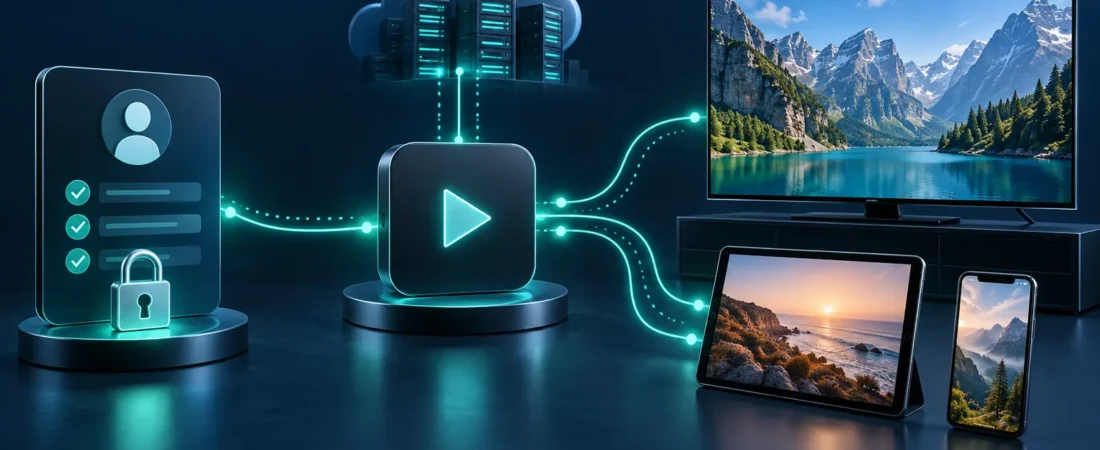
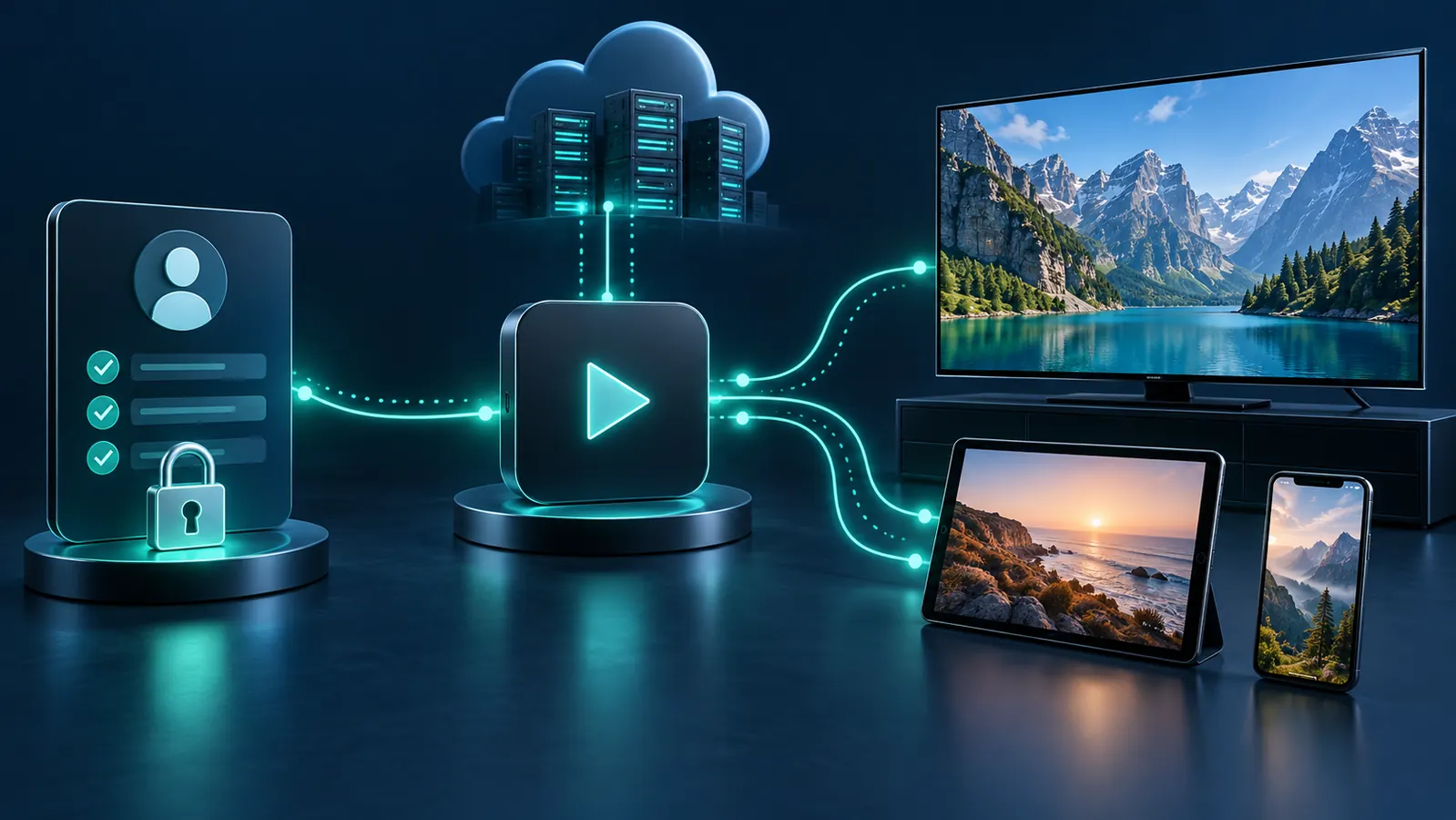
Subscription, player and device
The subscription
It defines tier, duration and simultaneous connections. It is access—not hardware or a screen.
The player
A player provides the interface. IPTV Smarters Pro and TiviMate are third-party players, not subscriptions.
The device
A television, box, stick, phone or tablet runs the player. Hardware, software and network quality affect playback.
General activation flow
- Review plans.
- Select tier, duration and connections.
- Complete checkout.
- Pay by approved Interac e-Transfer.
- Receive applicable activation information after processing.
- Use it privately in a compatible player.
Duration and connections
A 1, 3, 6 or 12-month term states how long the plan runs. Connections state how many streams may play together. A household can own several devices and need one connection if only one stream is active.
Read the connections guide for examples.
Compatibility and payment
Review Firestick and Android guidance for device considerations. Confirm the exact model, app availability and supported account method.
Payment is by Interac e-Transfer in CAD. The payment guide explains the process. Visit the homepage for the broad service overview and FAQ for support answers. For related educational articles, browse the IPTV Guides hub.
Common questions
Is a player the subscription?
No. The player is software; the subscription supplies separate access.
Is hardware included?
No physical box, stick or remote is included.
What is one connection?
One simultaneous stream, not simply one configured device.
Move from learning to selection
Once the player, device and connection model are clear, compare current options.
From order to everyday viewing
Understanding how IPTV subscriptions work begins with separating the service account from the player app and the device. The subscription supplies account access; the app and compatible hardware are the tools used to connect.
A clear view of how IPTV subscriptions work also includes connection limits. Each simultaneous stream uses a connection, so a multi-device household should choose the connection quantity that matches concurrent viewing rather than the number of devices owned.
Customers asking how IPTV subscriptions work should prepare a supported device, stable internet connection, and compatible player before activation. The selected duration controls the service term, while the tier defines the plan option purchased.
Once you understand how IPTV subscriptions work, compare the plan details and complete checkout only when the duration, connection count, and device setup are clear.
How IPTV subscriptions work in a household
The service account, player, device and network each have a separate role. Before troubleshooting playback, check them in that order and use the CIRA Internet Performance Test when an independent Canadian connection check is useful.